Odoo 20.0 · 20.0.1.0.1
Licence: OPL-1 · Revision: 273c56f5fe61
Installing this selected version
This selection is for Odoo 20.0. Install this app and its required dependencies in the addons directory configured for your Odoo 20.0 server, using the same Odoo version for each app.
Source module notes
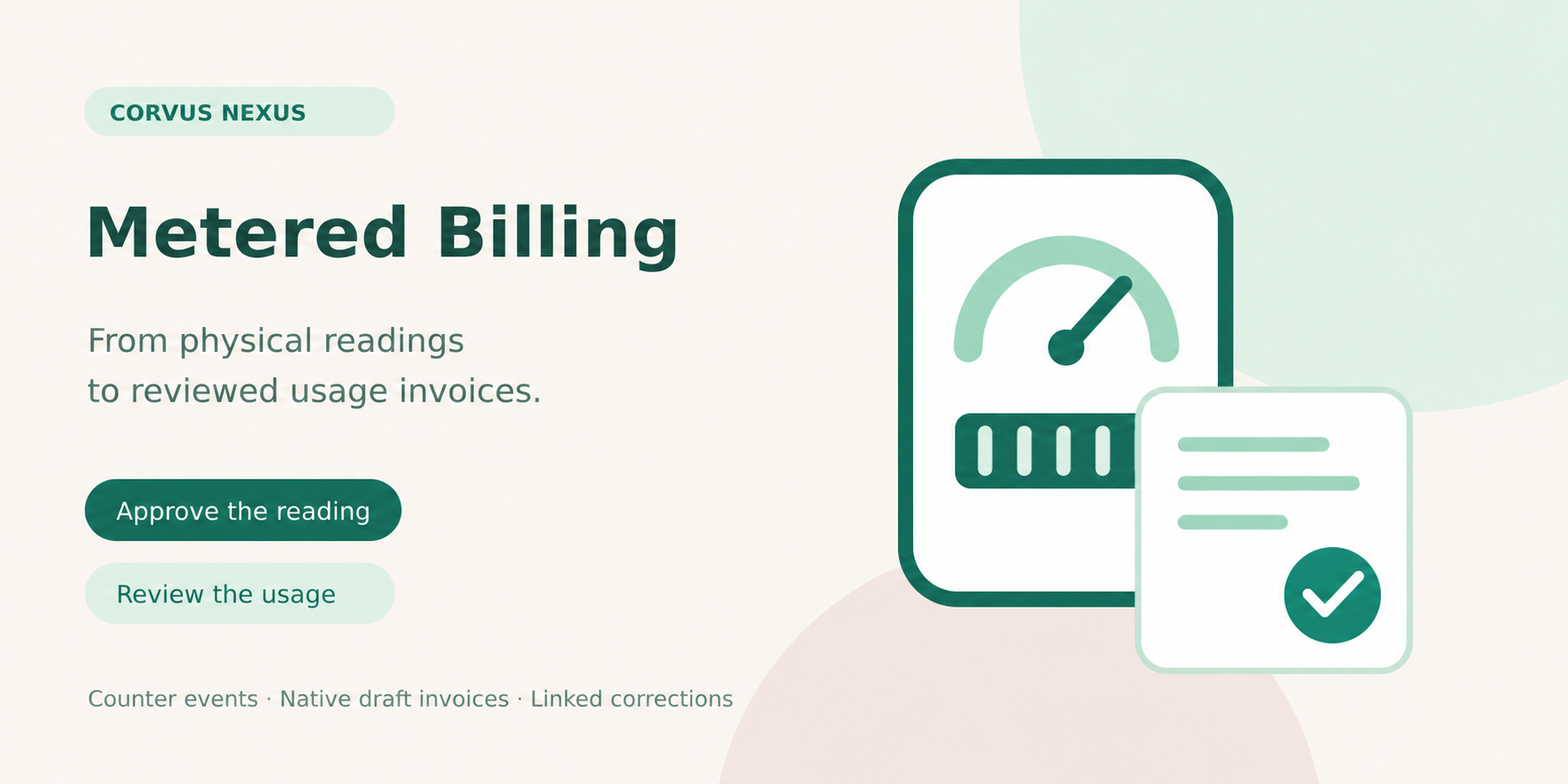
Metered Billing for Odoo 20
Make measured usage easier to review and bill
Connect physical meter readings to customers, sites and flat unit tariffs. Approve the observations, review the consumption, and explicitly create a native Odoo draft invoice.
For property operators and businesses charging customers for measured water, electricity or other counter-based usage.
Readable evidence
Keep timestamped cumulative readings and optional photos. Reader and Billing Officer roles separate entry from approval.
Counter continuity
Document a single rollover, reset or replacement with opening and closing values. Approved records retain the calculated usage.
Native accounting
Create one draft invoice per reviewed period. Native accounts, taxes, fiscal positions and currency rounding remain in Odoo Accounting.
From observation to draft invoice
1. Configure the point. Select customer, site, billing product, unit and flat tariff.
2. Approve readings. Keep chronological observations and explain counter events.
3. Review the interval. Inspect included usage; overlapping reviewed periods are blocked.
4. Create the draft. Freeze billing details, then explicitly create the invoice for finance review.
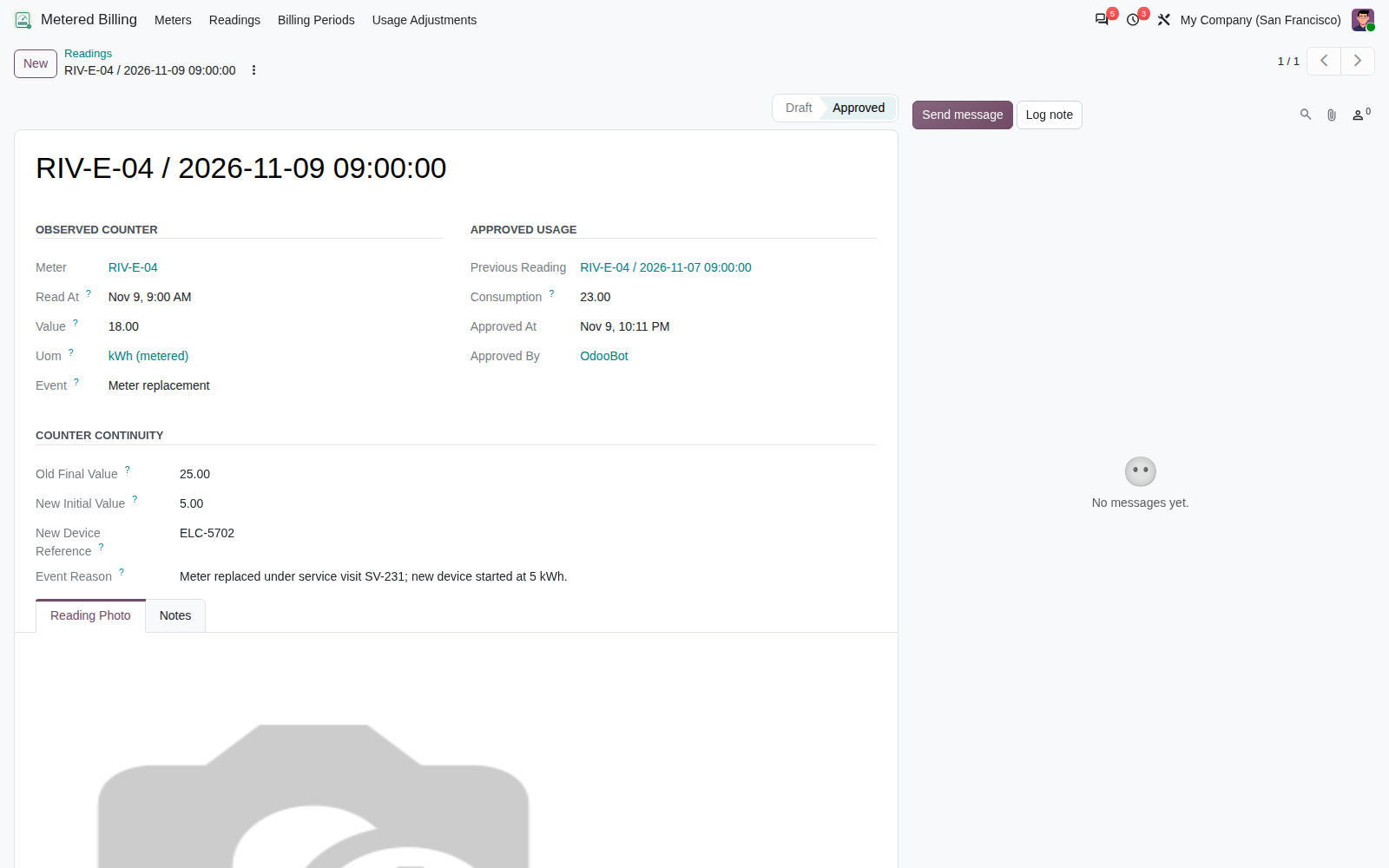
Every reading has a context
Record the observed value and time, attach an optional photograph and document how a rollover, reset or replacement connects to the previous approved reading.
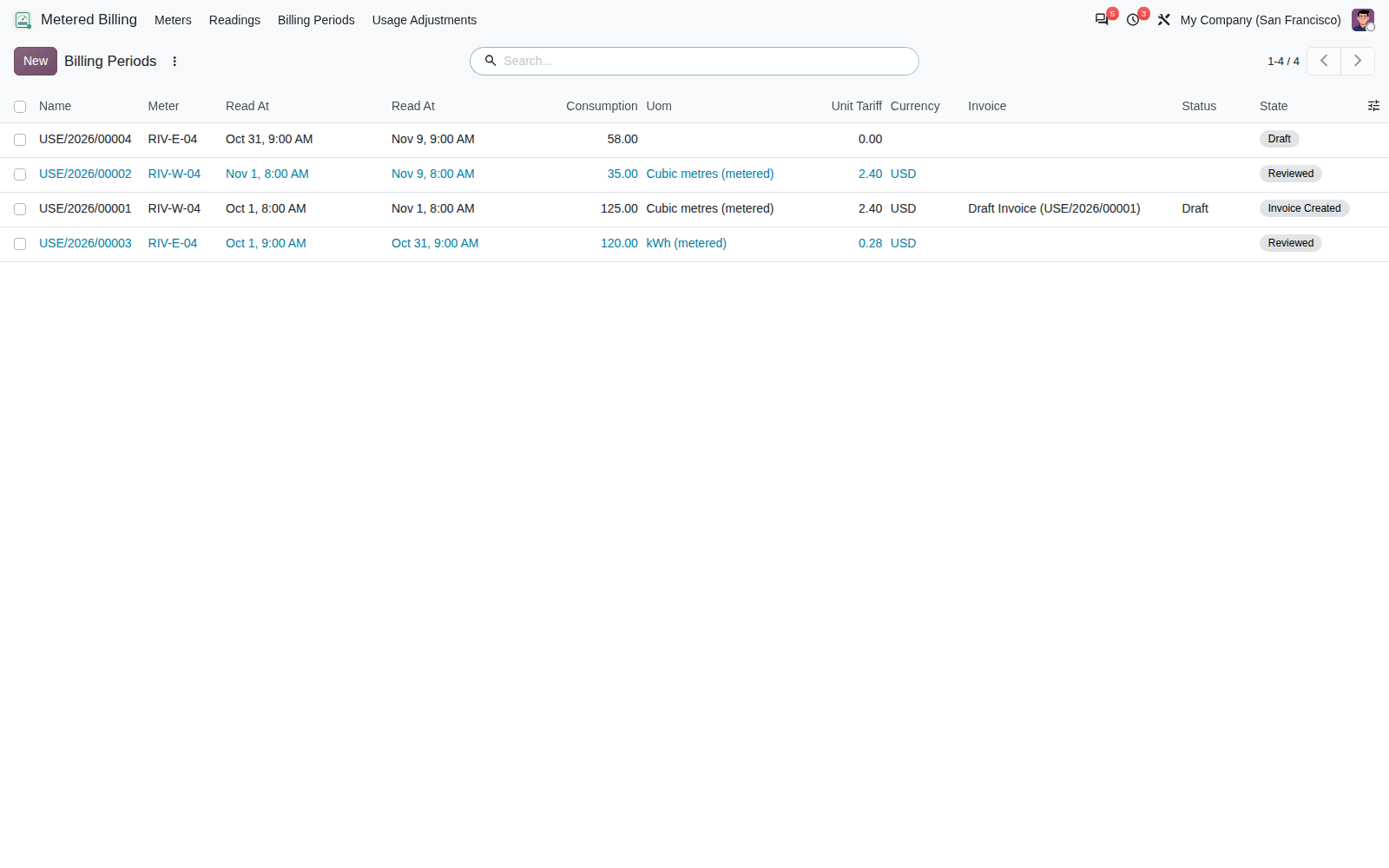
Find usage that still needs billing
Use the period register to find drafts, reviewed intervals and created invoices. Filter Unbilled Periods or Ready to Invoice, and open the underlying evidence.
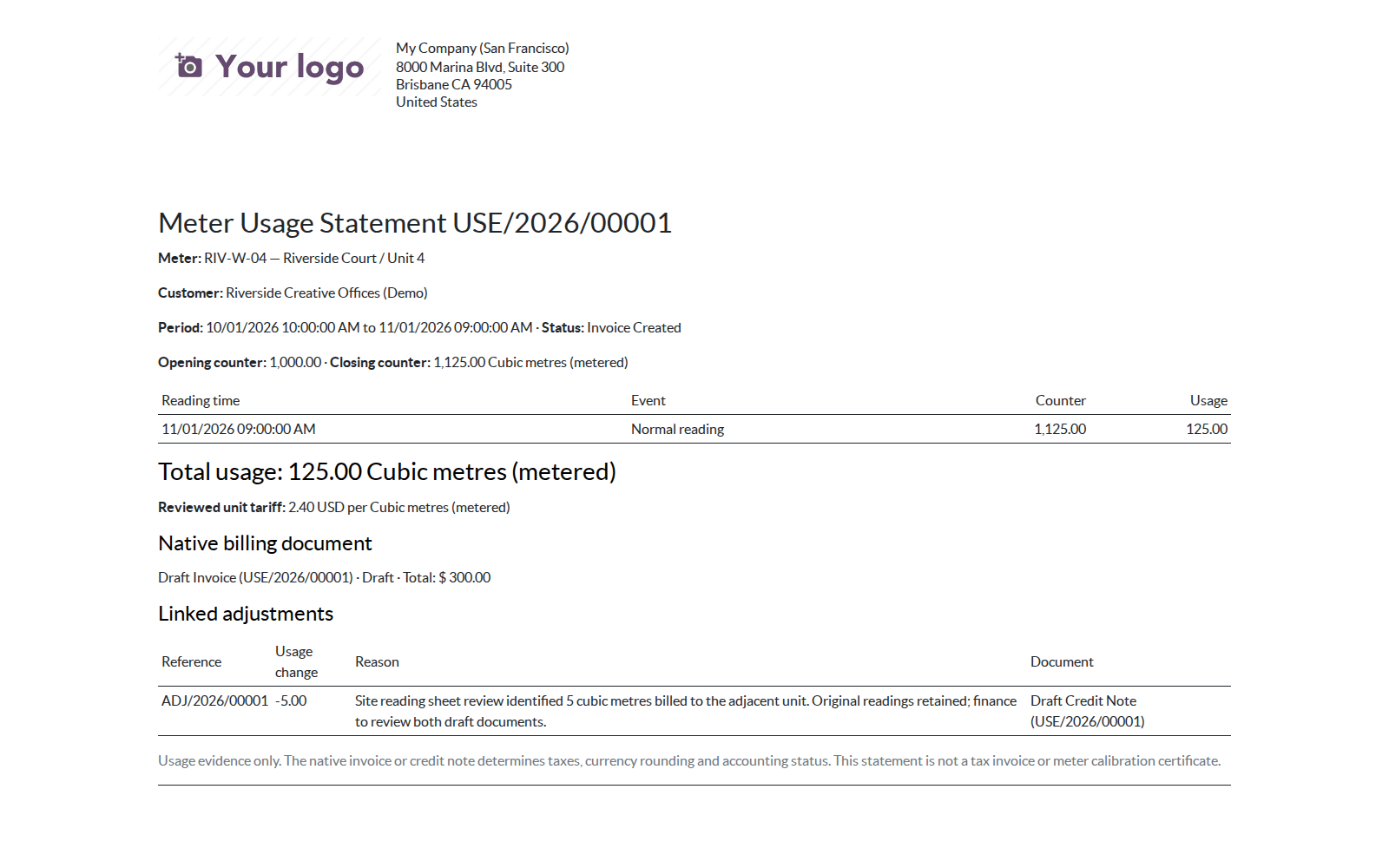
Share a clear usage statement
Review the approved interval, its included reading deltas, counter-event explanations and linked native billing documents in a native usage statement.
Setup and permissions
Install Metered Billing with standard Accounting and Discuss dependencies. Configure the customer receivable account, billing product income account/taxes and a sales journal using native Accounting. Cubic-metre and kWh unit references and document sequences are supplied.
Readers enter observations. Billing Officers approve readings, review periods and create draft invoices. Managers configure meters, reset uninvoiced reviews and create corrections.
Version and limits
Tested on Odoo 20.0 Enterprise: installation with and without demo data, focused workflow and access checks, and native HTML report rendering passed. Dependencies are standard Community addons; a Community runtime has not been qualified.
PDF output requires a working native Odoo PDF engine and has not been qualified for this release.
Manual cumulative readings and a flat unit tariff. No smart-meter integration, scheduled invoicing, subscription engine, tiered/time-of-use pricing or jurisdictional billing certification.
Frequently asked questions
Does creating an invoice post it?
No. Every generated invoice or credit note stays draft with automatic posting disabled. Finance reviews and posts it through native Accounting.
How are corrections handled?
A manager records a signed usage adjustment with a reason. Positive adjustments create a draft customer invoice; negative adjustments create a draft credit note linked to the original invoice. Original readings remain unchanged.
Can I bill the same interval twice?
Overlapping reviewed or invoiced periods are blocked. Repeating an invoice action opens the existing document. Adjacent periods can share a boundary reading.
Can finance change a draft invoice?
Yes, native Accounting remains available. Further module corrections require the original usage quantity, price, product, unit, customer and currency to match the reviewed source. Inconsistent documents must be resolved in Accounting first.
Are taxes calculated by this addon?
No. Initial invoices use native product/customer tax and fiscal-position computation; correction drafts retain the source invoice's mapped taxes and use the native tax engine.
Are instructions included?
Complete English RST and Markdown guides cover setup, counter formulas, worked examples, corrections, upgrades and troubleshooting.
Corvus Nexus Technologies LTD
Support: support@corvusnexus.com