Odoo 20.0 · 20.0.1.0.2
Licence: OPL-1 · Revision: 273c56f5fe61
Installing this selected version
This selection is for Odoo 20.0. Install this app and its required dependencies in the addons directory configured for your Odoo 20.0 server, using the same Odoo version for each app.
Source module notes
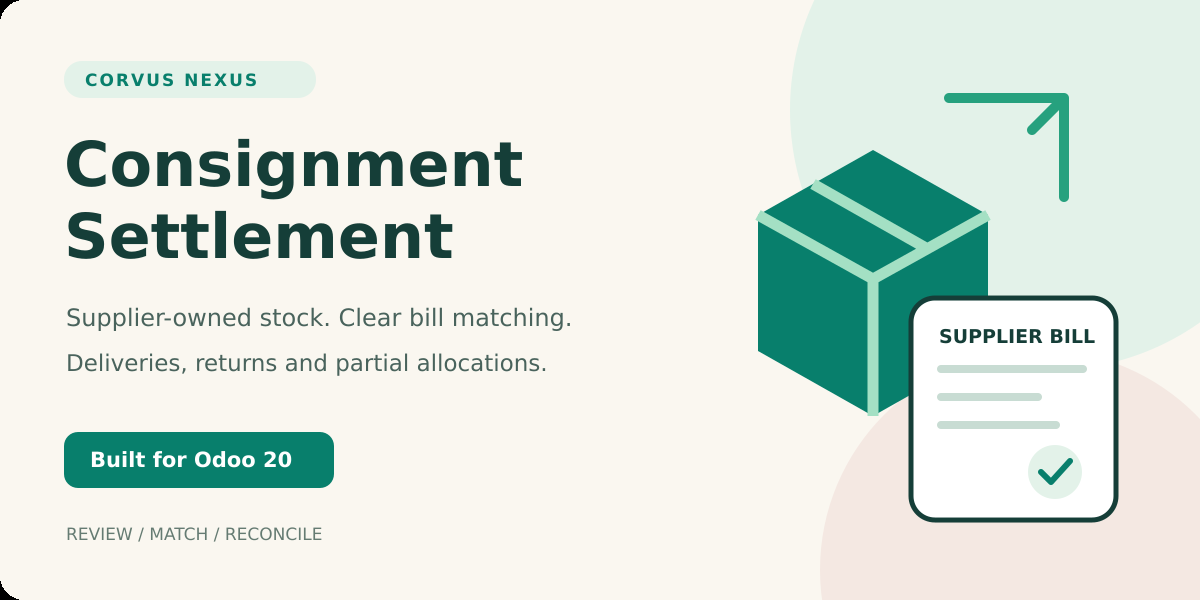
Consignment Settlement for Odoo 20
Make supplier-owned stock easier to reconcile
Collect completed deliveries and customer returns for one supplier and period. Review agreed costs, match partial vendor bills, and see what remains outstanding.
Native Odoo Inventory movements and Accounting documents stay at the center of the workflow.
One source, several bills
Allocate a delivery in parts across native bill lines. Quantity checks prevent the same source or bill capacity being consumed twice.
Returns stay visible
Customer returns appear as negative sources and match vendor credit notes, giving your statement a clear signed net amount.
Review before action
Preparers collect sources and review costs. Settlement managers approve, match, complete or reopen a batch.
From completed movement to reviewed settlement
- Collect: choose a company, supplier, currency and UTC date range.
- Review: inspect native sources and confirm the agreed cost per product unit.
- Match: allocate existing bill or credit lines, or explicitly create native draft documents for the remaining quantities.
- Complete: mark fully allocated batches matched and print a supplier statement.
Bill posting, supplier payment and stock valuation remain normal Odoo operations.
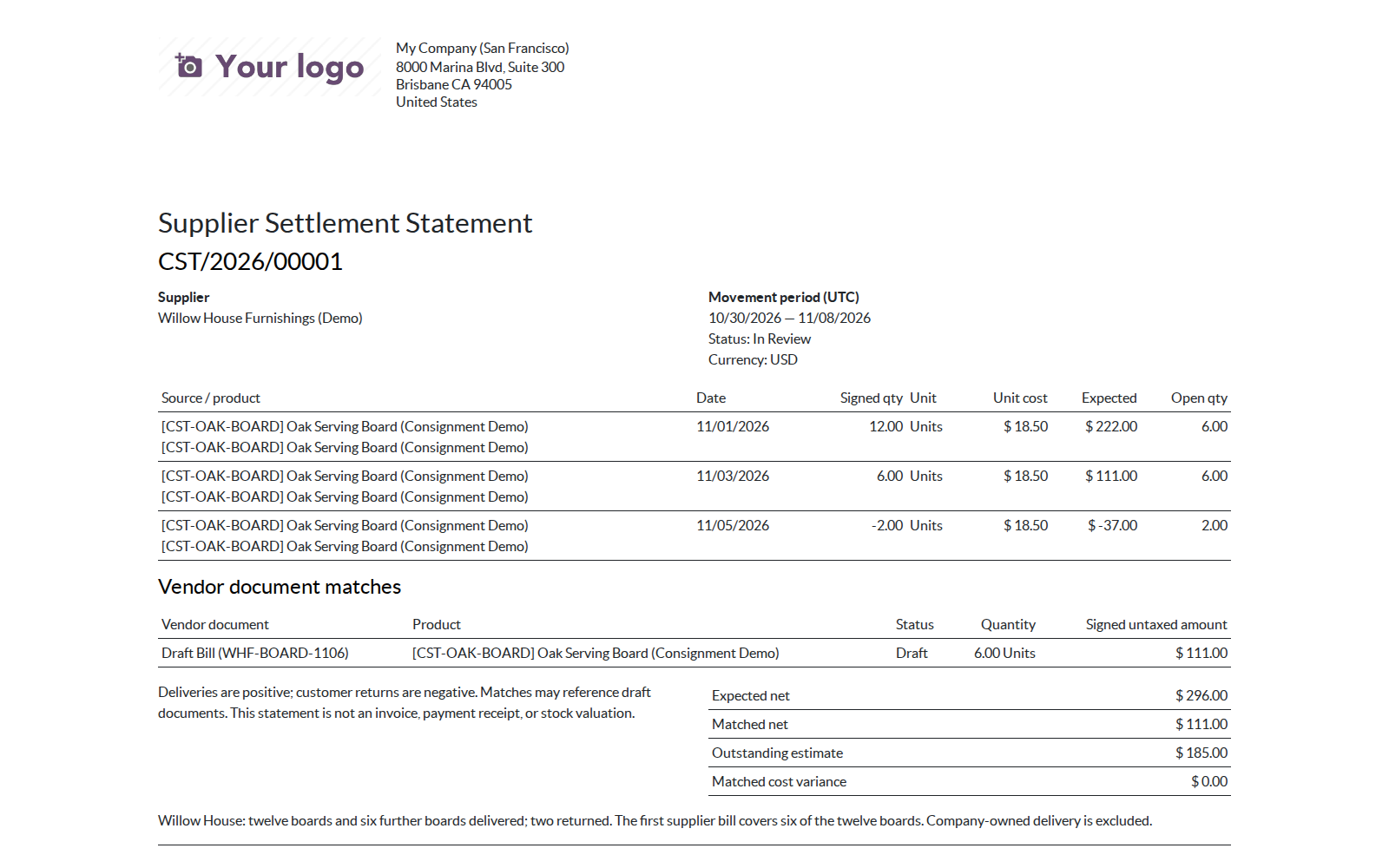
Review sources and partial balances
Follow supplier-owned deliveries and returns, inspect agreed costs, and open the original stock movements from a smart button.
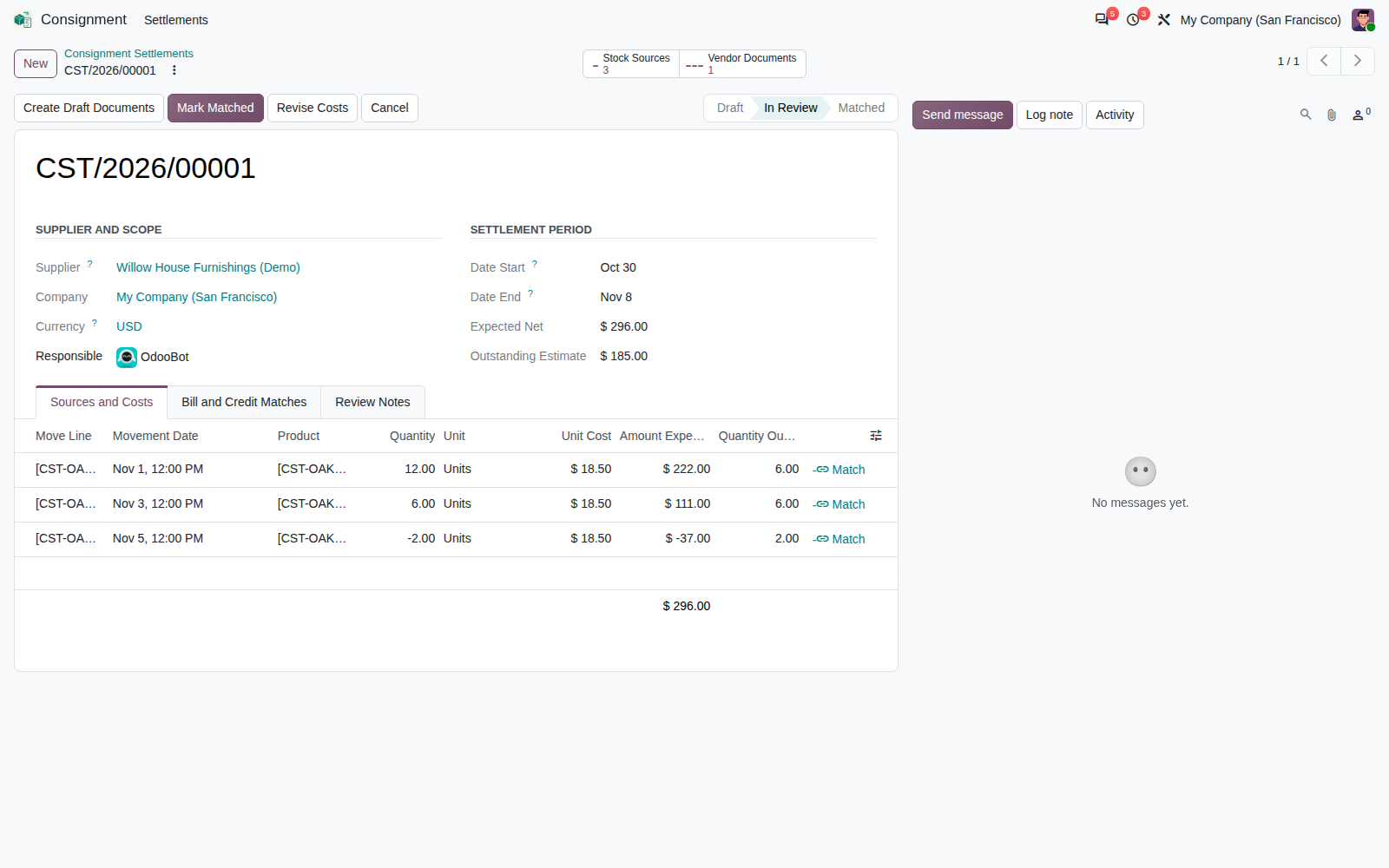
Keep period reviews organized
Search by supplier or reference; filter open, matched and cancelled batches. Company and currency are explicit, with no combined totals across mixed currencies.
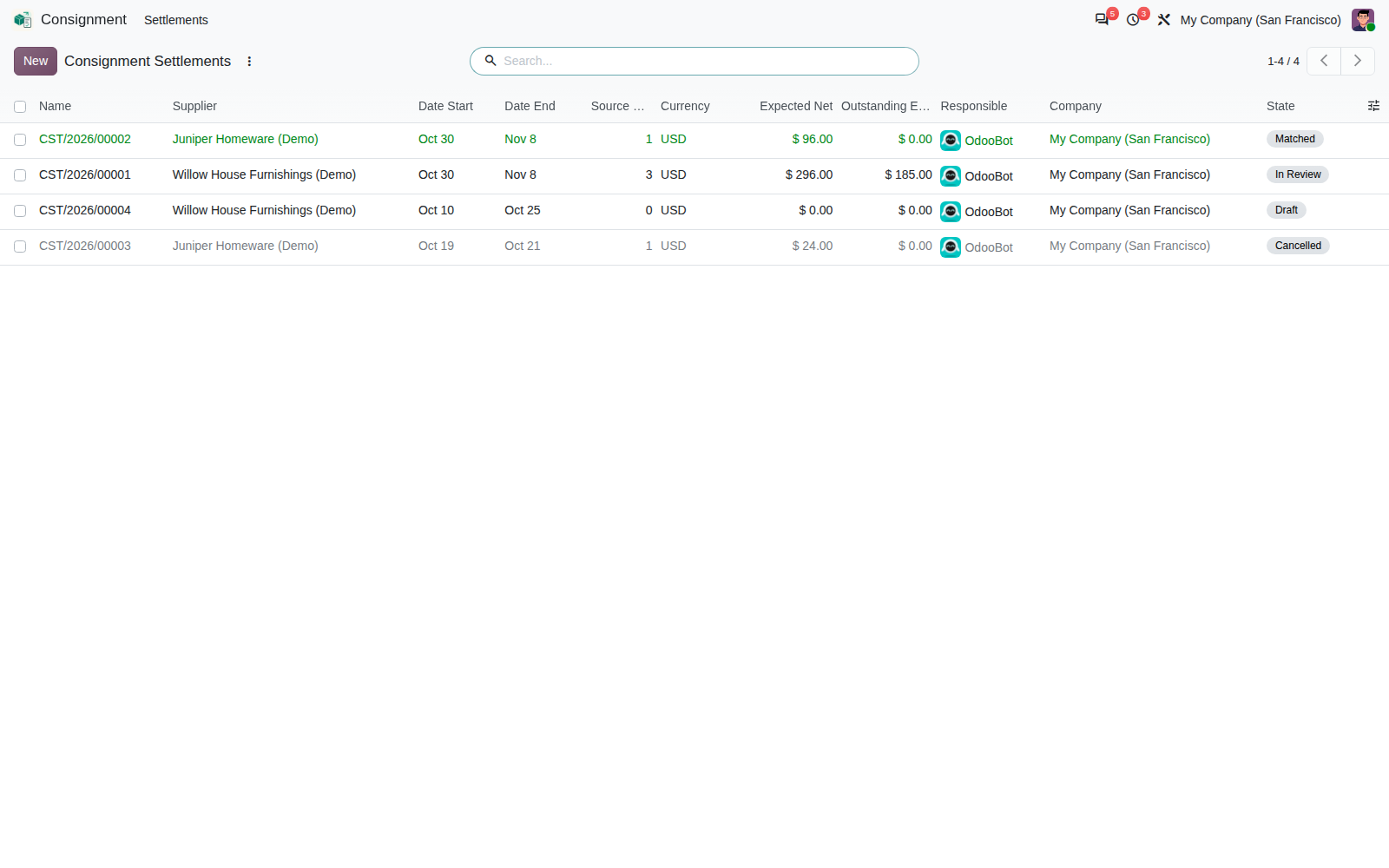
Share a useful supplier statement
Print signed source quantities, agreed costs, matched vendor documents, document status and outstanding estimates in one native report.
HTML report rendering is verified. Server PDF output requires a working native Odoo PDF engine in your deployment. PDF output was not qualified in the tested runtime.
Installation and access
- Odoo 20; standard Inventory, Accounting and Discuss dependencies.
- Configure purchase journals, accounts, suppliers and native stock ownership.
- Assign Preparer or Settlement Manager access. Both include native Inventory and Billing permissions.
- A supplied numbering sequence works without demo data.
- English RST manual and portable Markdown user guide included.
Practical boundaries
- One supplier, company and currency per batch.
- Completed internal/customer movements with an explicit supplier owner.
- UTC period dates; up to 2,000 eligible move lines per collection.
- Untaxed cost estimates and quantity matching; no replacement inventory valuation or payment ledger.
- Initial costs are current product-cost suggestions for review.
Frequently asked questions
Does this create or post financial documents automatically?
No. A manager can explicitly create native draft bills and credits after source review. Posting and payment remain in Accounting.
Can I match only part of a delivery?
Yes. Allocate any positive quantity within the source and bill-line capacity, then match the remainder later. Native unit conversion and currency rounding are applied.
Can I correct a completed settlement?
A manager can reopen a matched batch, remove incorrect matches and create replacements. Native documents remain intact. To cancel, reopen a matched batch if needed, remove every match, then cancel with a reason. This releases all source claims while preserving the documents.
Does “Matched” mean the supplier has been paid?
No. It means every source quantity has a bill or credit allocation. The statement displays native document status, including drafts.
Which edition has been qualified?
Tested on Odoo 20 Enterprise, including installation with and without demo data and focused workflow checks. Community edition has not been qualified.
Support from Corvus Nexus Technologies LTD
For setup and product assistance: support@corvusnexus.com
License: Odoo Proprietary License v1.0 (OPL-1).